Your computer works at home. You work from anywhere.
RemoteVibe turns your phone into a remote for the AI agent on your computer. Type a task — the agent works on the project on your PC while you watch and approve. Your code stays put.
The RemoteVibe server only introduces the devices. Then they talk directly — and if the network does not allow it, through a relay that cannot read a single byte.
Direct · local networkencrypted
Phone and computer share a network — data goes through your router and never even reaches the internet. The fastest option.
Direct over the internetencrypted
The devices are on different networks but can still reach each other. The connection is direct — no middleman.
Via TURN relayencrypted
Some networks block direct connections. Then data goes through a relay: it just passes encrypted packets along and cannot read them. As soon as a direct path appears, the app switches over by itself.
Dashed lines are a short introduction at the start. Code, chats and files never go through the server. The app always shows which path is in use.
Encryption
Only your devices can read it.
You type on the phone
Fix sign-in with an expired token
What the network, server and relay see
9f›Q7·e2Aµ0x§LkR4ż#d1Vw0nB8t%Hc5ij
What your computer gets
Fix sign-in with an expired token
Keys live only on devices
Encryption keys are created on the phone and the computer and never leave them.
The QR code is a handshake
Scanning the QR, the phone remembers your computer's fingerprint. Nobody can swap it unnoticed — not even us.
The server only introduces
It helps the devices find each other. Source code, chats and files never pass through it.
Agents
Works with the agents you already use.
The agent runs on your computer — with your subscription, models and settings. RemoteVibe simply lets you reach it from your phone.
Cursor Agentby Cursor
tested with 2026.10.01+
Claude Codeby Anthropic
tested with 2.1.287+
Codexby OpenAI
tested with 0.146.0+
OpenCodeby SST
tested with 1.17.3+
Kilo Codeby Kilo
tested with 7.8.8+
Host is tested with these CLI versions and newer. Older ones may fail to start a chat — Host warns about it in the agent picker and in CLI settings.
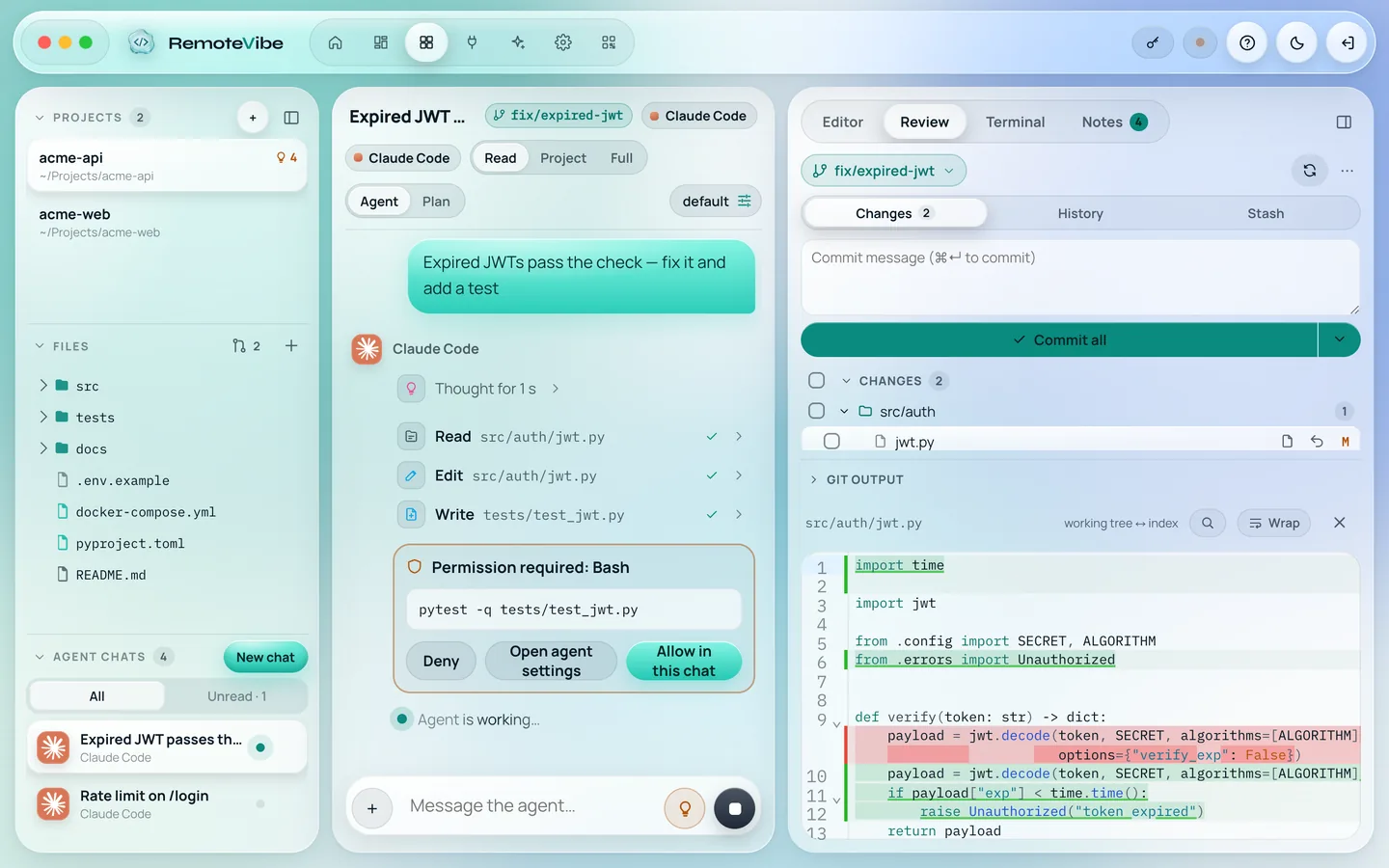
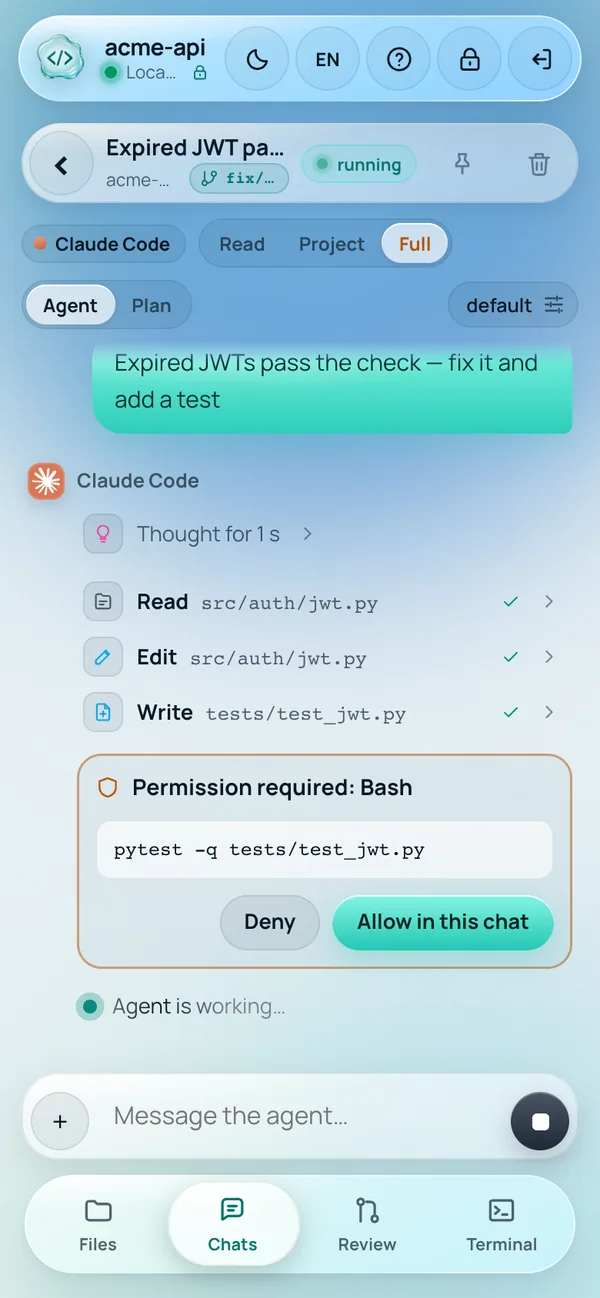
Give tasks, resume past sessions and follow progress — the agent runs on your PC, you steer from your phone.
Cursor AgentClaude CodeCodexOpenCodeKilo Code
Command approval
Turn auto-approve off and the agent asks before a command — you decide with one tap.
Review & git
Line-by-line diff, staging, commit and push — right from your phone.
Project files
Tree, search, a highlighted editor, uploads and moves — strictly inside the project folder.
Terminal
The PC command line in the project folder — on the PC and from the phone, once you allow it.
FAQ
Does the computer have to be on?
Yes. The agent runs on your PC, so the computer must be on and Host running. A closed window is fine: Host keeps working in the tray.
Does my code go to the RemoteVibe cloud?
No. Files and chats travel between the phone and the computer encrypted. Our server only helps the devices find each other.
What if my phone is on mobile data?
It works. If the carrier network blocks a direct connection, the link goes through a relay that only passes encrypted data. Both the phone and the PC show which path is in use.
Which agents are supported?
Cursor Agent, Claude Code, Codex, OpenCode, Kilo Code. Host finds the agents installed on your computer by itself.
Do I need to install an app on the phone?
No, a browser is enough. Open the app from the link and add it to the Home Screen — it works like a regular app.
How many devices can I connect?
One computer with Host and up to two phones per subscription.
Ready to code away from your desk?
Install Host on your PC, scan the QR — and your project is in your hand. The plan covers 1 PC with Host and 2 phones.



 Cursor Agent
 Claude Code
 Codex
 OpenCode
 Kilo Code